

Okay so here is the situation. You need to record your screen. You do not want to pay for a subscription. You do not want a watermark. You also do not want to spend thirty minutes installing software and figuring out settings.
That is basically why Bandicam built freescreenrecorder.com. They also offer a powerful desktop screen recorder for Windows that handles everything from 4K recordings to lag-free game capture. But let’s start with the free online tool.
First Impression — Clean and Honest
The website is simple. There is no confusing pricing table. No fake ‘free trial’ that actually locks features. It says free and it means free. No watermark. No time limits mentioned. No signup required.
Works on Chrome and Edge. Firefox and Safari have limited audio support. That is the only catch and they tell you upfront.
The Features Are Real, Not Filler
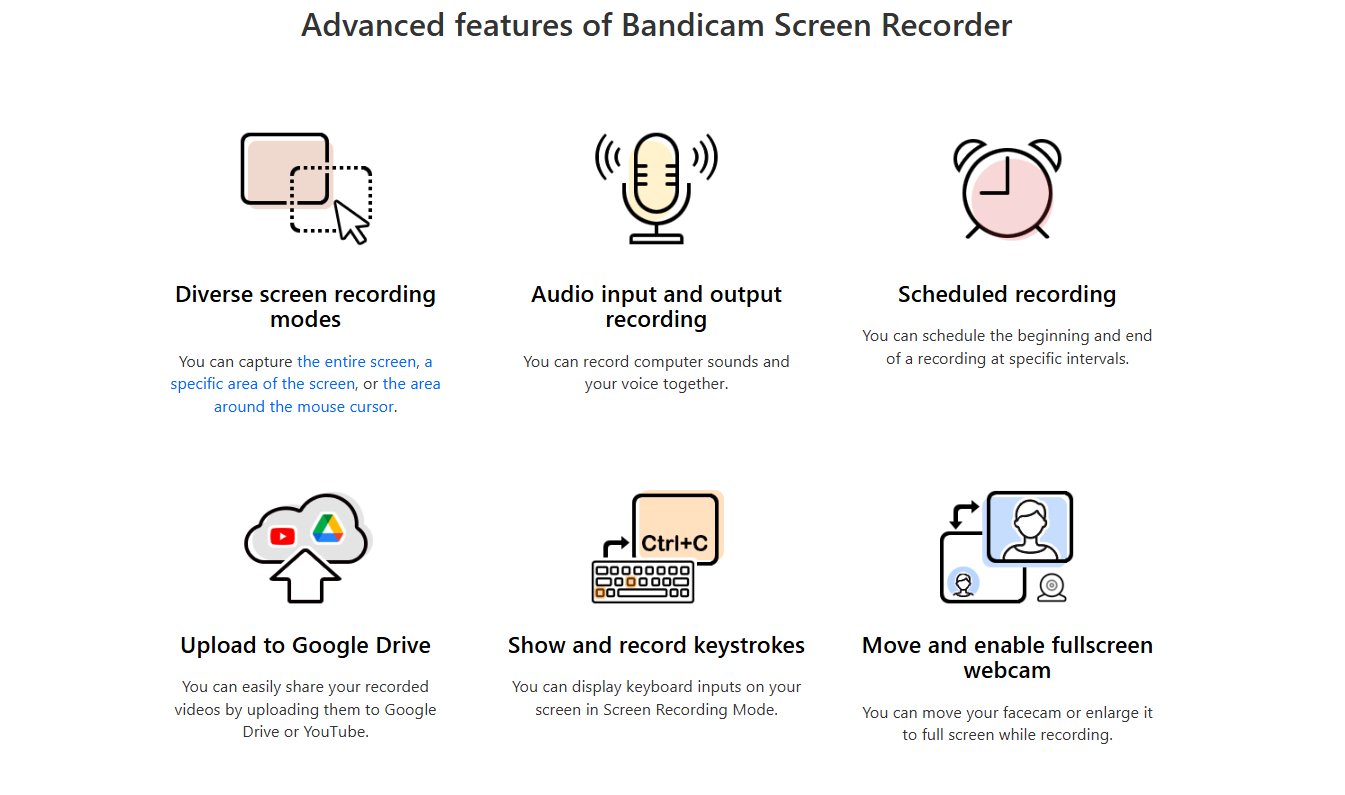
Recording a tab, window, or full screen. Recording system audio, microphone, or both. Webcam overlay for picture-in-picture. Real-time drawing and annotation. 1080p output. Local processing only.
Each of those is a real, working feature. Not marketing copy. Not a half-baked checkbox. They all actually do what they say.
The Privacy Angle Is Genuine
This one surprised me. Most browser-based tools upload your video somewhere during processing. That is how they work. This one does not. Everything stays on your machine.
Your screen recording never touches a server. That matters for people recording sensitive content — business meetings, financial data, internal demos. The privacy is real.
Who Should Use the Online Version?
If you need a quick recording right now, use the online version. Teachers making short lessons. Support staff recording how to fix an issue. Someone capturing a bug to send to a developer. Anyone who just needs a clean recording fast.
It is not the tool for two-hour gaming sessions or 4K cinematic recordings. It is the tool for everyone else.
Mac Users Get Special Mention
The online tool works on Mac in Chrome and Edge. But Bandicam also has a native mac screen recorder desktop app. And it goes up to 5K resolution — which is pretty remarkable. It has all the desktop features: webcam overlay, mouse click effects, hardware acceleration, flexible export formats including MOV and MP4.
Mac users who need more than the browser tool should check out that desktop version.
The Desktop App Is the Full Package
For Windows users, the desktop version records up to 4K. It handles games. Long sessions. Multiple audio inputs. Mouse highlight effects for tutorials. All the formats — MP4, AVI, and more.
Over ten million people use Bandicam globally. It has a 4.7 rating from real Google customer reviews. That kind of track record does not happen by accident.
Final Verdict
Free. No watermark. No install. Real features. Genuine privacy. Works well.
If you have been settling for bad free tools or avoiding screen recording altogether because it felt complicated — try this one. It is at freescreenrecorder.com and it takes about fifteen seconds to start your first recording.
That is really all there is to say.