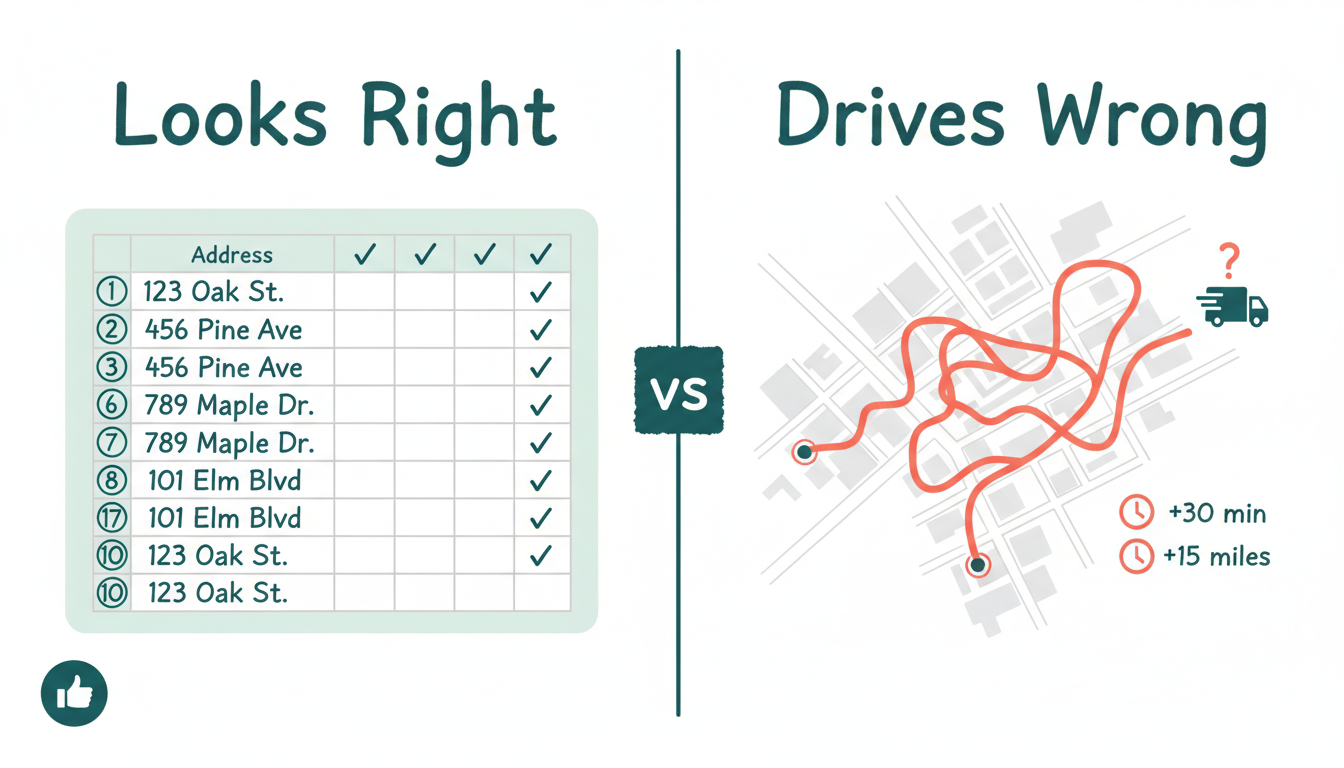
You sorted 40 addresses into a route that made sense on screen. Then your driver spent half the morning backtracking across town. The spreadsheet looked right. The road said otherwise.
Spreadsheets are great at storing data. They are terrible at sequencing it for the real world. Here is what actually breaks — and what to look for instead.
What Spreadsheets Get Wrong About Route Planning
A spreadsheet lets you list stops. It does not understand geography. You end up eyeballing zip codes or sorting by street name and hoping for the best. That works until it doesn’t.
The real problems hit when conditions change. A driver calls in sick. A customer moves their delivery window. A new batch of orders drops at 9 AM. You are back to dragging rows around, copy-pasting addresses into Google Maps one by one, and praying you didn’t miss a stop.
There is no automatic reordering. No traffic awareness. No way to split 60 stops across three drivers without spending an hour on it.
If your route planning breaks every time something changes, it was never really planning — it was guessing.
What a Good Route Planning Tool Actually Does
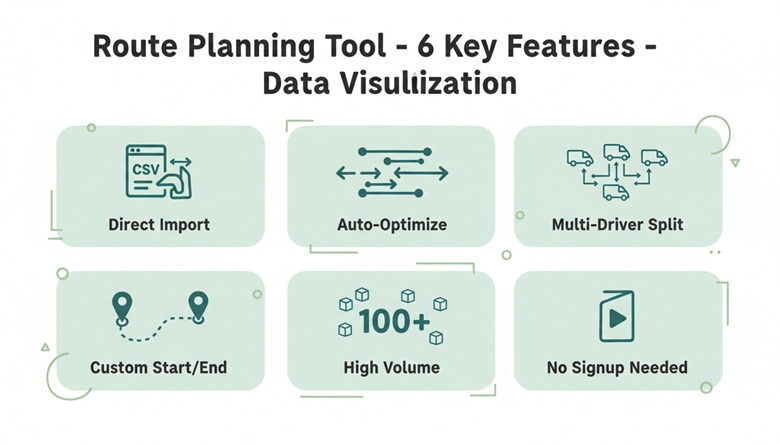
Imports Directly from Your Spreadsheet
You already have addresses in Excel or CSV files. The right tool lets you upload that file and go. No retyping. No reformatting columns. Paste-and-go from the data you already have.
Reorders Stops Automatically
Sorting by zip code is not optimization. A good tool sequences stops to minimize total drive time, accounting for actual road networks. What looked logical in Column B often wastes 30 minutes on the road.
Splits Routes Across Multiple Drivers
One upload. Multiple routes. If you run a three-van fleet, the tool should divide stops into balanced routes automatically. Rebuilding everything when a driver is unavailable should take seconds, not an hour.
Supports Custom Start and End Points
Your drivers don’t all leave from the same place. A useful route planner lets you set real depot or warehouse locations as start and end points for each route. No workarounds. No dummy addresses.
Handles High Stop Counts
Planning 15 stops is easy anywhere. Planning 80 or 100 stops per route is where most free tools break. Look for capacity that matches your actual volume — not a demo-sized limit.
Works Without Friction
No account creation. No credit card. No 14-day trial wall. If a tool requires a sales call before you can test it, it wasn’t built for operators who need answers now.
Habits That Save Time Beyond the Tool
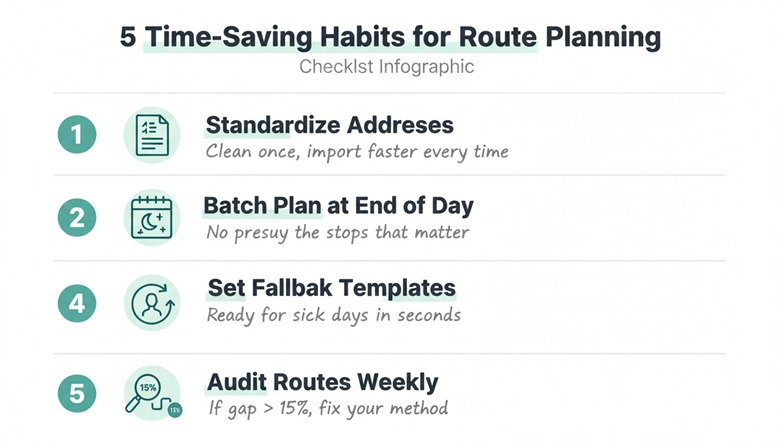
Standardize your address format. Inconsistent data — missing suite numbers, abbreviated street names — slows down every tool. Clean it once in your spreadsheet. Every upload after that is faster.
Batch your planning window. Plan tomorrow’s routes at end of day, not morning-of. You make better decisions without the pressure of drivers waiting in the lot.
Set time windows where they matter. Not every stop needs a window. Flag the ones that do — restaurants before lunch rush, offices before 5 PM — and let a route planner handle the rest.
Keep a fallback driver template. When someone calls in sick, have a pre-built split for n minus one drivers ready. Re-splitting from a single upload takes seconds when the tool supports multi-route generation.
Audit one route per week. Compare planned miles to actual miles. If the gap is over 15%, your sequencing method is costing you fuel.
Your Competitors Already Stopped Using Spreadsheets
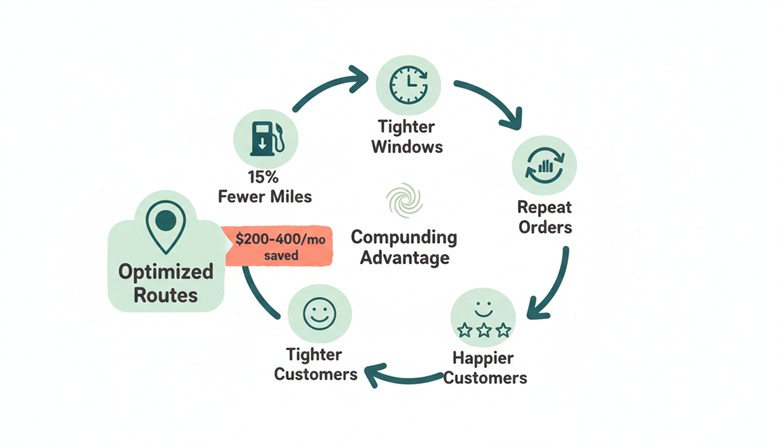
Fuel costs sit near $3.80 per gallon nationally. A 15% reduction in wasted miles across a five-vehicle fleet saves roughly $200-400 per month. That is money your competitors keep when they use real optimization. You leave it on the road when you sort by zip code.
The gap compounds. Faster routes mean tighter delivery windows. Tighter windows mean happier customers. Happier customers mean repeat orders.
Every week you spend dragging rows in a spreadsheet is a week your competitors spend delivering more with less. The tools exist. The data is already in your spreadsheet. The only missing piece is software that actually reads a map.